01Why it works
Why use our AI Flowchart Generator?
Text to Flowchart
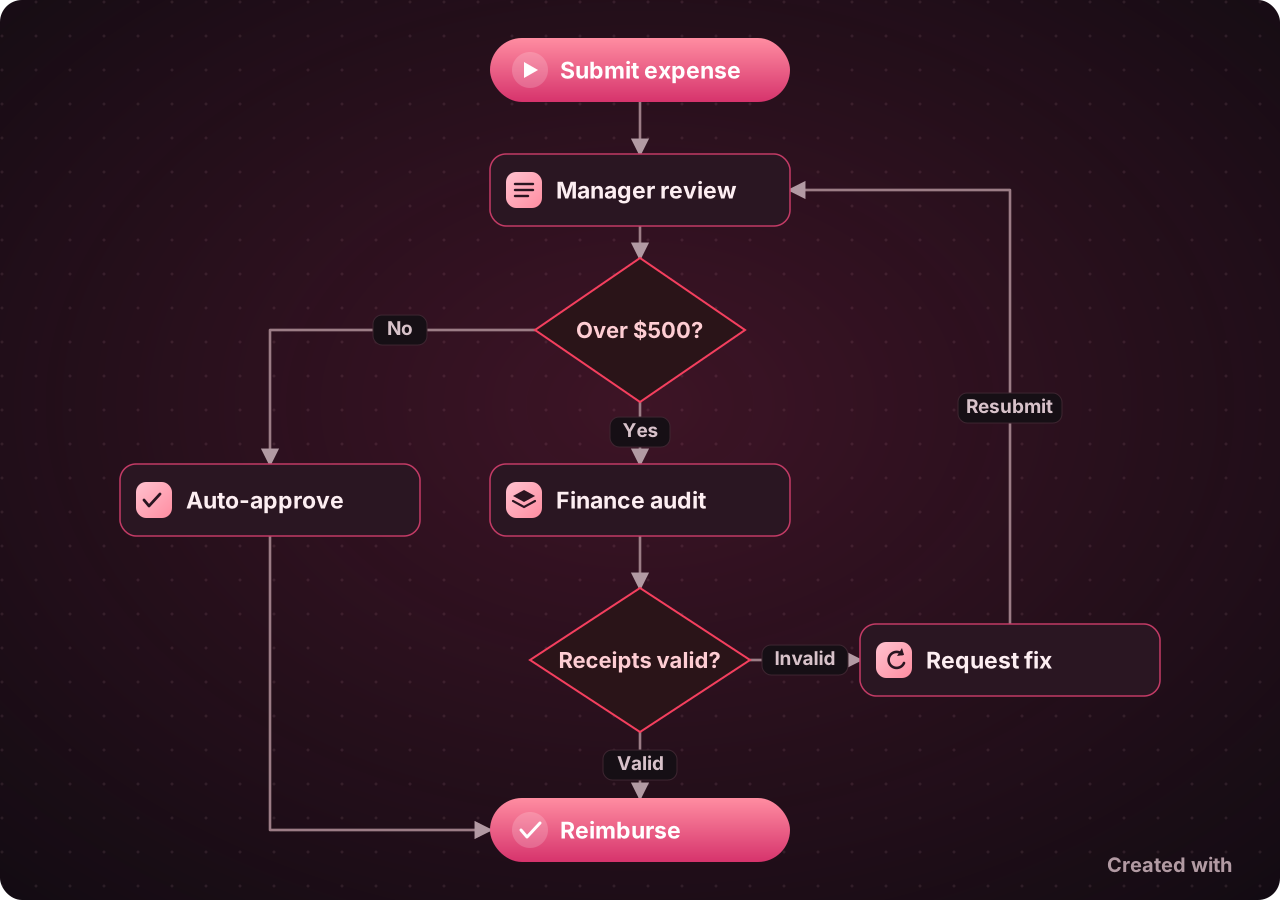
Describe your process in plain text and get a professionally laid out flowchart with proper symbols and connections.
Multiple Diagram Types
Create process flows, decision trees, org charts, swimlane diagrams, mind maps, and data flow diagrams.
Smart Auto-Layout
Advanced layout algorithms (Dagre, ELK) automatically arrange nodes and edges for optimal readability.
Import from Documents
Upload PDF, DOCX, or text files and AI extracts the process steps to generate a flowchart automatically.
Custom Node Types
Process, decision, terminator, data, document, person, department, and subprocess nodes with professional styling.
Export & Share
Export as PNG, SVG, or PDF. Share with a public link or embed in your presentations and documents.
02How it works
Three steps to a finished draft
Describe Your Process
Type a description of the process, workflow, or organizational structure you want to visualize.
AI Generates Diagram
Our AI creates a structured flowchart with proper nodes, connections, and labels based on your description.
Edit & Export
Refine the diagram in our visual editor. Drag nodes, edit labels, change styles, and export when ready.
03FAQ
Frequently asked questions
You describe the process in plain language — steps, decisions, and outcomes — and the AI turns it into a structured diagram with the right node types and connections, laid out automatically.